Recover your car radio code from your serial number
Your battery went flat, or a garage disconnected it, and now the radio just says CODE, SAFE or LOCKED. Enter your radio serial number and our team will look up the code and send it to your email. It is free, and it is for owners restoring their own radio.
- Free radio code requests
- Processed by our team
- Owners only
Request your free radio code
Free for owners. A person on our team handles every request.
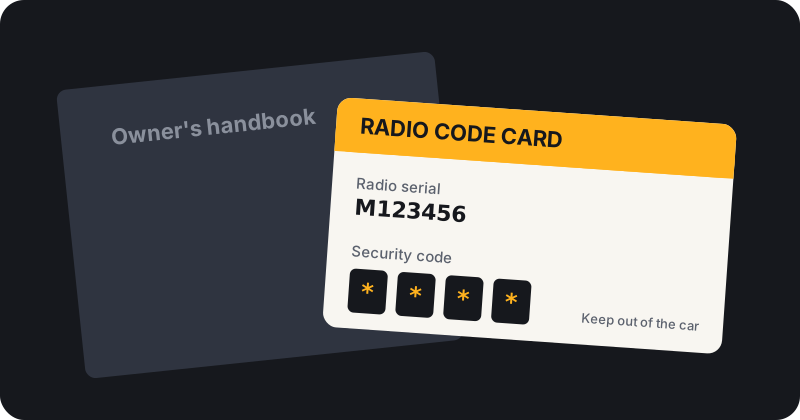
Why your radio is asking for a code
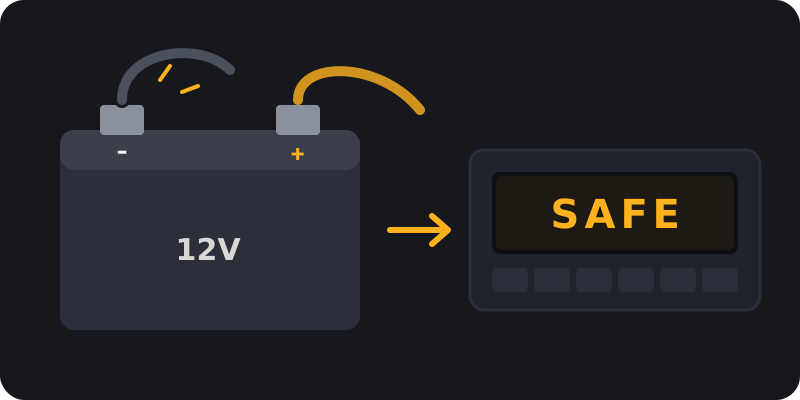
Most factory car radios have a simple security feature. When power is cut, the radio forgets that it is in the right car and asks for its code before it will play again. That is why the screen often shows CODE, SAFE or LOCKED after a flat battery, a new battery, an alternator repair or any job where a garage disconnected the battery.
The code belongs to the radio, not the car. It is linked to the serial number printed on the unit, which is why the serial is the one thing we need from you. Your registration number on its own will not tell anyone what the code is.
How it works
Four steps from a silent radio to music again. Read the full walk through on how it works.
Find your serial number
Most radios show the serial on a label on the side or top of the unit. Some show it on screen with a button combination. Our serial number guide explains how for each brand.
Send your request
Pick your brand, type the serial, add your email, accept the terms and confirm you own the radio.
Our team retrieves your code
Every request is checked and processed by a person on our team. We email the code when it is ready. Timing may vary.
Enter the code
Follow our guide to entering a radio code so you do not lock the radio.
Choose your car brand
Each brand guide shows where that maker usually puts the serial, how our team handles the request and which official routes are open to you.
Supported brands and radio types are listed on each brand page. Not sure about yours? Send a request with your brand in the model box and we will tell you.
Owner recovery only
We only help owners, or people with the owner's permission, get back into a radio they already own. We do not offer tools or software for getting round radio security, and we will not process requests that look like misuse. That is why the form asks you to accept our terms and to confirm the owner statement before anything is sent.
Free official routes
Your dealer or the car maker can often give you the code too, usually with proof of ownership. Some do this free, some charge. We explain the options brand by brand so you can choose. If an official route suits you better, use it. Our job is to make the free request simple when you would rather not book a dealer visit.
What makes a request go smoothly
- The full serial. Include any letters at the start, such as M or V on many Ford units.
- The right brand. Choose the brand of the car the radio was fitted to at the factory.
- A model or radio type if you know it. It is optional, but it helps our team find the right record.
- An email you can check. Your code arrives by email, so look in your spam folder too.
Newer cars may not need a code
Many newer touchscreen systems are paired to the car electronically and never ask for a typed code. If your screen is blank or showing a different message after a battery change, a dealer may need to re pair the unit. Our brand guides point out where this is common.
Frequently asked questions
Is the radio code really free?
Yes. We do not charge for codes. Our team processes each request and emails the result.
How long does it take?
It depends on the brand and radio type. Some codes come back quickly, others take longer because our team has to retrieve them. Timing may vary.
Can I get my code from my registration number?
Not usually. Radio codes are linked to the radio's serial number, not the car's registration. Some makers can look it up from your VIN through a dealer.
What if my radio is not supported?
We will email you to let you know, and point you to the dealer or official route where one exists.
Where can I find my car radio code?
Start with the code card or sticker in your owner's pack, service book or glovebox. If it is missing, send us your radio serial for a free request, or ask a franchised dealer.
Do I need to remove the radio?
Not always. Many radios can show their serial or precode on screen with a button combination. Our serial number guide explains the options by brand.
More answers on our radio code FAQ.